


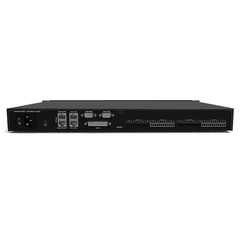






The setup of an audio processor consists of the following main steps:
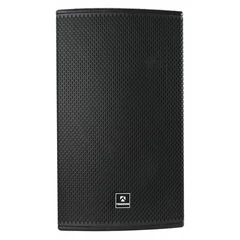
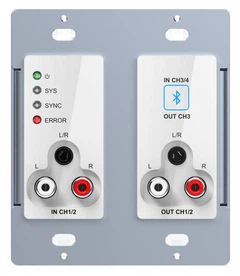
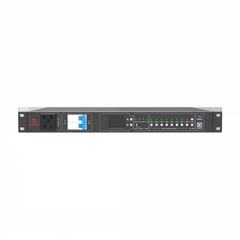
System Connectivity : First, connect the audio processor correctly to the audio system, depending on the system requirements. Determine which control objects are for each output channel, such as a full-range speaker or subwoofer
Enter the editing interface: After connecting the cable, enter the editing interface of the processor according to the instructions of the manual. The way to enter different products may be different, please refer to the product manual for specific methods.
Routing Settings: Utilizes the routing function of the processor to determine the signal source of the output channel. For example, if you choose stereo sound reinforcement, you can choose that the signal of output channels 1 and 3 comes from input A, and the signal of output channels 2 and 4 comes from input B.
Crossover point setting: Set the working frequency band of the speaker according to the technical characteristics or actual requirements of the speaker, that is, the crossover point. Set the lower and upper frequency in the crossover module, and select the appropriate filter mode and slope.

Level Adjustment: Check whether the initial level of each channel is at 0dB, if there is any deviation, you need to adjust it to 0dB.
Polarity check: After connecting the signal to let the system emit sound, use the polarity phase meter to check whether the polarity of the speaker is uniform. In case of inconsistencies, adjustments can be made using the polarity flip function of the processor's output channels.
Delay adjustment: Use the tool to measure the transmission time difference of each speaker, and use the delay function of the processor to adjust the delay of the speaker with a longer transmission time, so that the transmission time of each speaker is the same.
Equalization adjustment: Enter the equalizer setting interface, and adjust the equalization according to the product characteristics, room characteristics and subjective hearing. The equalizer is usually a parametric equalizer, which contains three adjustment quantities: frequency, bandwidth, and gain.
Limiter Setting: Enter the limiter setting interface and set the limiter level and compression ratio. If clipping is required, the compression ratio should be set to infinity and the limiting level should be set according to the amplifier.
Save and Call: After the debugging is completed, save the settings according to the method in the product manual. If you need to add a combination lock to the setup, please follow the product manual. If needed, you can use the RECALL or LOAD function on your processor to recall your saved programs.


